
OBDSTAR X200 Pro2, released in 2020, is much better than X200 PRO in hardware configuration, newest vehicle coverage, more special functions etc.
OBDSTAR X200 Pro2 and X200 Pro Comparison
OBDSTAR X200 Pro2 vs. X200 PRO:
| Item | OBDSTAR X200 Pro2 | OBDSTAR X200 PRO |
| Image | 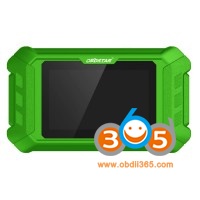 |  |
| Released year | 2020 year | 2015 year (discontinued) |
| Operation system | Android 5.1.1 tablet | Hand-held |
| Specification | Quad-core processor,runs fast and stable; 5-inch capacitive high-definition touch screen ; Support Wi-Fi wireless network connection | Dimension: 192mm(L) *93mm(W) *29mm(H) CPU: ARM7 Power Supply: DC12V Operation Power:DC12V Operating Temperature: -10-60℃ Display Screen: 160×160 TFT Screen |
| Oil Service Reset | Yes | Yes |
| EPB (PBM) | Yes | Yes |
| OBDII diagnosis | Yes | Yes |
| ABS bleeding | Yes | No |
| Battery match | Yes | No |
| CVT learning | Yes | No |
| DPF | Yes | No |
| Gear learning | Yes | No |
| Oil Nozzle | Yes | No |
| Steering | Yes | No |
| Sus reset | Yes | No |
| TPS | Yes | No |
| Vehicle coverage | Supports most of the models on the market and covers 2020 new models,such as Mercedes-Benz, BMW, Porsche, Volvo, Land Rover, Jaguar, Renault, Peugeot, Citroen, DS, Maserati, Aston Martin, Volkswagen, Audi, Skoda etc | Not cover vehicles to 2020 year |
| Update | One-click wireless network upgrade, the user upgrade prompt function will be more convenient and fast. | Long in official site and click “One key Upgrade” to download the update tool and diagnostic software to upgrade. |
| Help guide | With built-in graphic guide help function | With simple on-screen instruction |
| Language | English | English |
OBDSTAR X200Pro2 improvements:
More compact: 5 inch high-definition touch screen, moderate size, easy to operate
More stable: comprehensive upgrade of software and hardware, equipped with Android operating system
More convenient: one-click upgrade, self-update, with upgrade prompt function
OBDSTAR X200 Pro 2 function menu:
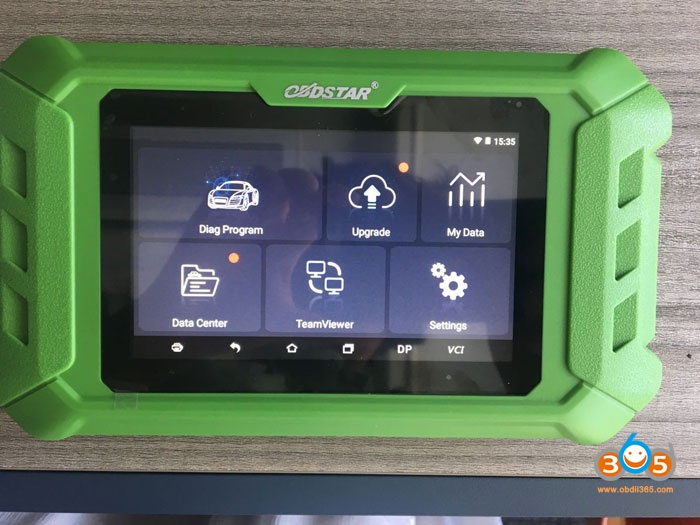
This is X200 Pro 2 home menu.
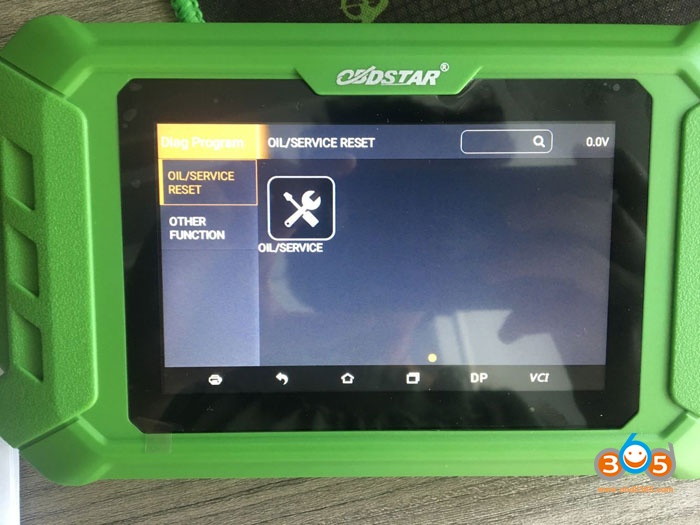
After entering “Diag program”, have options “Oil /service reset” and “Other function”.
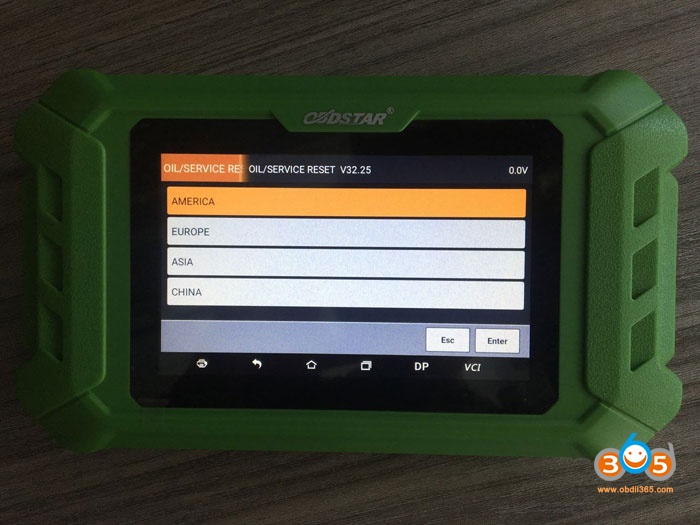
After entering “Oil / service reset” and have options: America, Europe, Asia, China.
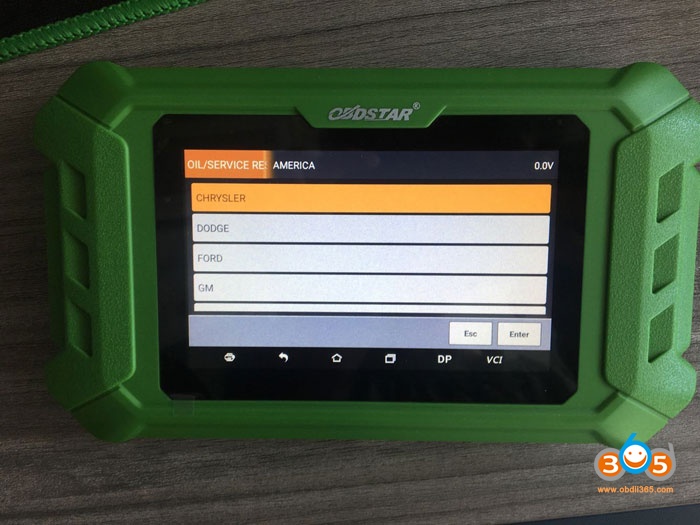
After entering “America” and have car makes to select.
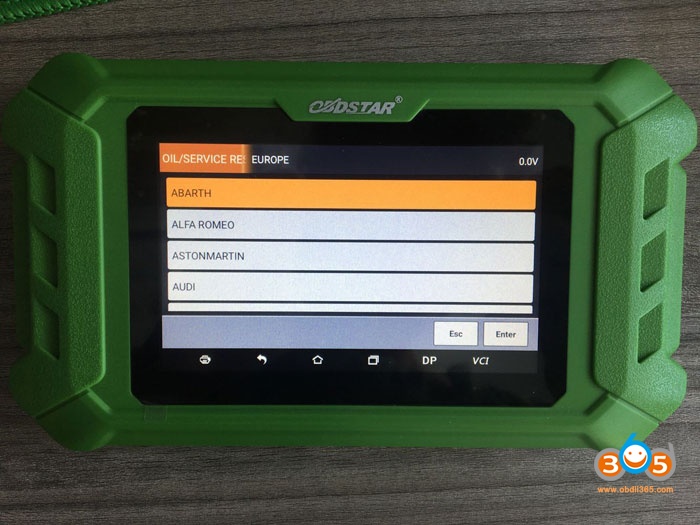
European vehicles.
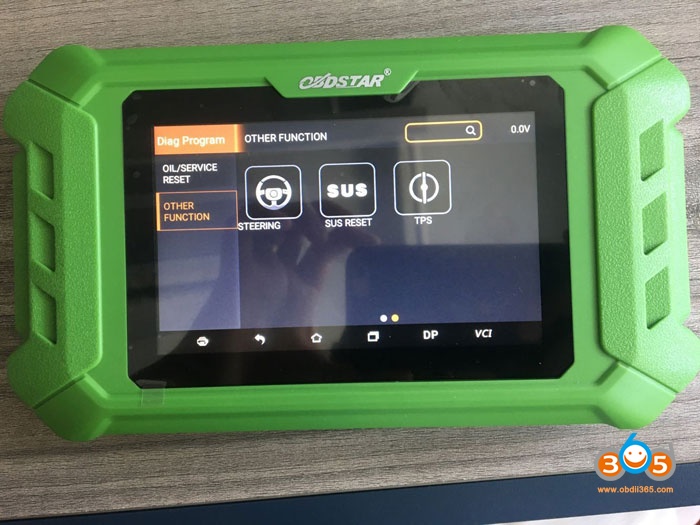
Other functions.

Enter settings and have VCI information, language, unit, users information, about, DC calibrate etc.

Enjoy!